Contents
- RPA defined without the jargon
- Traditional RPA vs. RPA + AI (intelligent automation)
- 7 typical processes for RPA
- Leading tools: UiPath, Automation Anywhere, Microsoft Power Automate, n8n
- Costs and ROI
- Signals that RPA is not the answer (and an AI agent fits better)
- Next step
- Frequently asked questions
- Is RPA still relevant in 2026 with generative AI everywhere?
- What's the difference between RPA and an AI agent?
- How long does a typical RPA implementation take?
- Do I need a Center of Excellence (CoE) to run RPA?
- Can Power Automate replace UiPath for enterprise use?
- What's the biggest reason RPA projects fail?
Operations leaders keep hearing two words in every vendor pitch: RPA and AI. Both promise automation, both promise savings, and both get sold as if they solved the same problem. They don't. Picking the wrong one wastes six to twelve months of implementation and leaves your team maintaining bots that break every time a vendor updates a screen.
This guide defines RPA without marketing language, shows where it still beats AI in 2026, and flags the signals that tell you to move past RPA toward an AI agent. If you run finance, shared services, or IT operations, the goal is simple: know which tool fits which process before you sign a license.
We'll cover tool selection (UiPath, Automation Anywhere, Power Automate, n8n), realistic cost ranges, and the seven process patterns where RPA still delivers the fastest payback.
RPA defined without the jargon
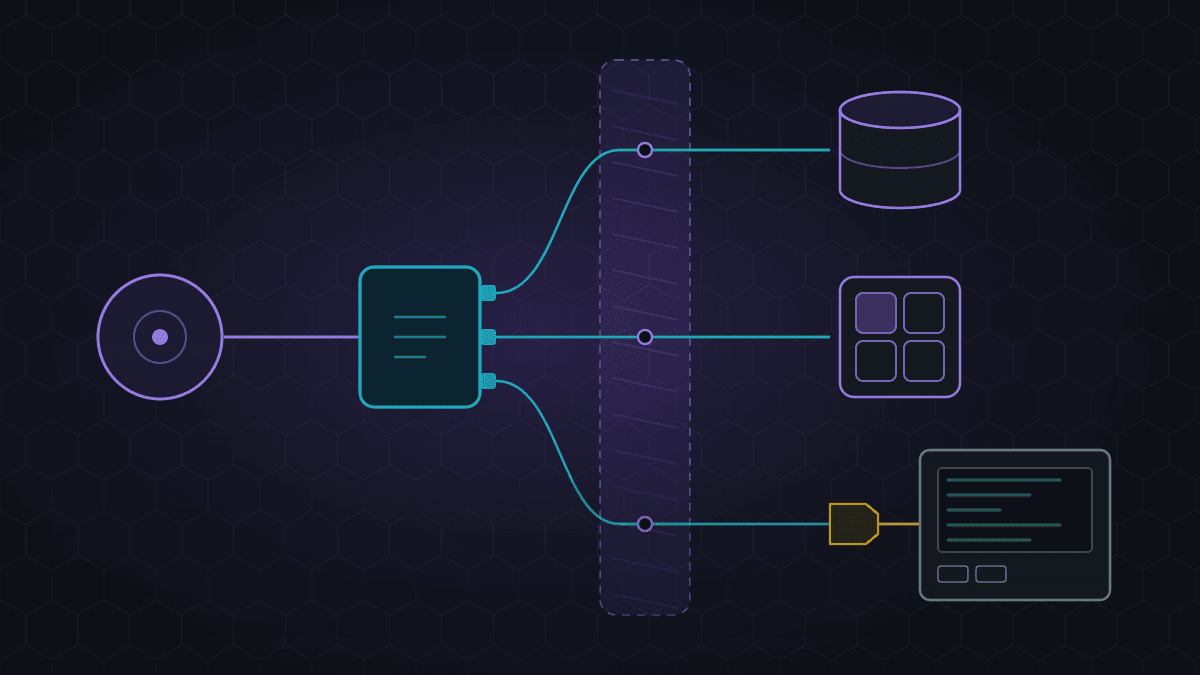
Robotic Process Automation (RPA) is software that mimics how a human uses a computer. A bot logs into applications, reads fields, copies data, clicks buttons, and moves information between systems. It follows explicit rules: if the invoice amount is under $5,000 and the vendor is approved, post it to the ERP. No judgment, no learning, no ambiguity.
The core trait of RPA is that it works on the user interface layer. When an API exists, integration is usually the better path. RPA earns its place when APIs are missing, expensive, or locked behind vendor contracts, which is the reality in most SAP, mainframe, legacy banking, and healthcare environments.
A useful mental model: RPA is a digital intern that never sleeps, never makes typos, and follows your checklist exactly. It cannot read a contract, interpret an email, or decide whether a refund is fair. Those are AI problems.
Traditional RPA vs. RPA + AI (intelligent automation)
Traditional RPA is deterministic. Every step is scripted. If a PDF invoice arrives in a new format, the bot fails and someone gets a ticket. This is fine for structured, stable processes and explains why 60–70% of RPA deployments historically focus on back-office finance and HR tasks [VERIFY: share of RPA use cases in finance/HR, likely Deloitte or Forrester 2025].
Intelligent automation combines RPA with AI components: OCR and document AI to read unstructured inputs, NLP to classify emails, and increasingly LLM-based agents to handle exceptions. The bot still moves the data; the AI decides what the data means.
A quick comparison:
| Dimension | Traditional RPA | RPA + AI |
|---|---|---|
| Input type | Structured, predictable | Semi-structured or unstructured |
| Decision logic | Rules only | Rules + probabilistic judgment |
| Exception handling | Human queue | Model handles common cases |
| Maintenance | High (UI changes break bots) | Moderate (models retrained) |
| Best for | Repetitive data movement | End-to-end processes with variation |
For a deeper view of how this sits inside broader operations strategy, see our breakdown of AI in business process automation.
7 typical processes for RPA
RPA pays off when volume is high, steps are stable, and systems don't talk to each other. The following seven patterns cover most successful deployments we see in mid-market and enterprise clients:
- Invoice processing and three-way match: extract header data, validate against PO and receipt, post to ERP.
- Employee onboarding and offboarding: create accounts across HRIS, email, VPN, and SaaS tools; revoke them on exit.
- Bank reconciliation: pull statements, match to ledger entries, flag exceptions.
- Customer master data updates: propagate changes across CRM, ERP, and billing when a single source updates.
- Regulatory reporting: pull data from multiple systems into fixed-format reports for tax, FINRA, or SOX.
- Order status inquiries: bots poll logistics platforms and push updates to CRM or a customer portal.
- Claims or ticket triage (rules-based): route based on keywords, amount, or category to the correct queue.
The common thread: high volume, low variability, and clear pass/fail criteria. If a process requires interpretation in more than 15–20% of cases, RPA alone will disappoint.
Leading tools: UiPath, Automation Anywhere, Microsoft Power Automate, n8n
The tooling choice matters less than the process selection, but it still shapes cost and time to value.
UiPath is the category leader for large-scale enterprise deployments. Strong orchestration, a mature AI fabric, and deep SAP connectors. Fits organizations running 50+ bots with a dedicated CoE. Licensing is premium.
Automation Anywhere is the closest competitor, with a cloud-native platform and solid document automation. Common in BPO and financial services.
Microsoft Power Automate is the pragmatic choice for Microsoft 365 shops. Lower entry cost, tight integration with Teams, Dynamics, and SharePoint, and a growing library of AI Builder components. It struggles with heavy SAP or mainframe work compared to UiPath.
n8n is the open-source wildcard. Not a classic RPA tool — it's an API-first workflow engine — but it covers many modern automation needs at a fraction of the cost. Useful when your target systems expose APIs and you want to avoid per-bot licensing.
A practical rule: pick UiPath or Automation Anywhere for legacy-heavy enterprises, Power Automate for Microsoft-centric mid-market, and n8n or similar for API-rich SaaS stacks.
Costs and ROI
Budgeting for RPA has three layers: licenses, implementation, and ongoing maintenance. Rough 2026 ranges for a mid-market deployment:
- Licensing: $5,000–$15,000 per bot per year for UiPath or Automation Anywhere [VERIFY: current UiPath unattended bot pricing 2026]; Power Automate per-user plans start around $15/user/month with per-flow add-ons.
- Implementation: $20,000–$80,000 per process for a first wave, depending on complexity and number of systems.
- Maintenance: plan for 20–30% of initial build cost per year. UI changes, password rotations, and system upgrades all break bots.
Expected ROI on well-selected processes is typically 6–14 months. Deloitte and similar studies have reported average RPA payback periods under 12 months [VERIFY: Deloitte Global RPA Survey 2025 payback figure]. The deals that disappoint are almost always processes that should have been redesigned or replaced instead of automated as-is.
A useful discipline: before automating, ask whether the process should exist. Automating a broken approval chain just makes the bad process faster.
Signals that RPA is not the answer (and an AI agent fits better)
RPA's limits are structural, not a tooling problem. If your process shows any of these signals, a different approach will pay off more:
- Inputs are unstructured: free-text emails, varied PDFs, chat conversations. OCR plus an LLM-based classifier will outperform brittle screen scraping.
- Decisions require context: judging whether a customer complaint deserves a refund, or whether a contract clause is acceptable.
- Variability is high: if more than a fifth of cases go to a human exception queue, the bot is a bottleneck, not a solution.
- The process involves reasoning across documents: summarizing, comparing, extracting obligations.
- You need conversation: handling a back-and-forth with a supplier or employee.
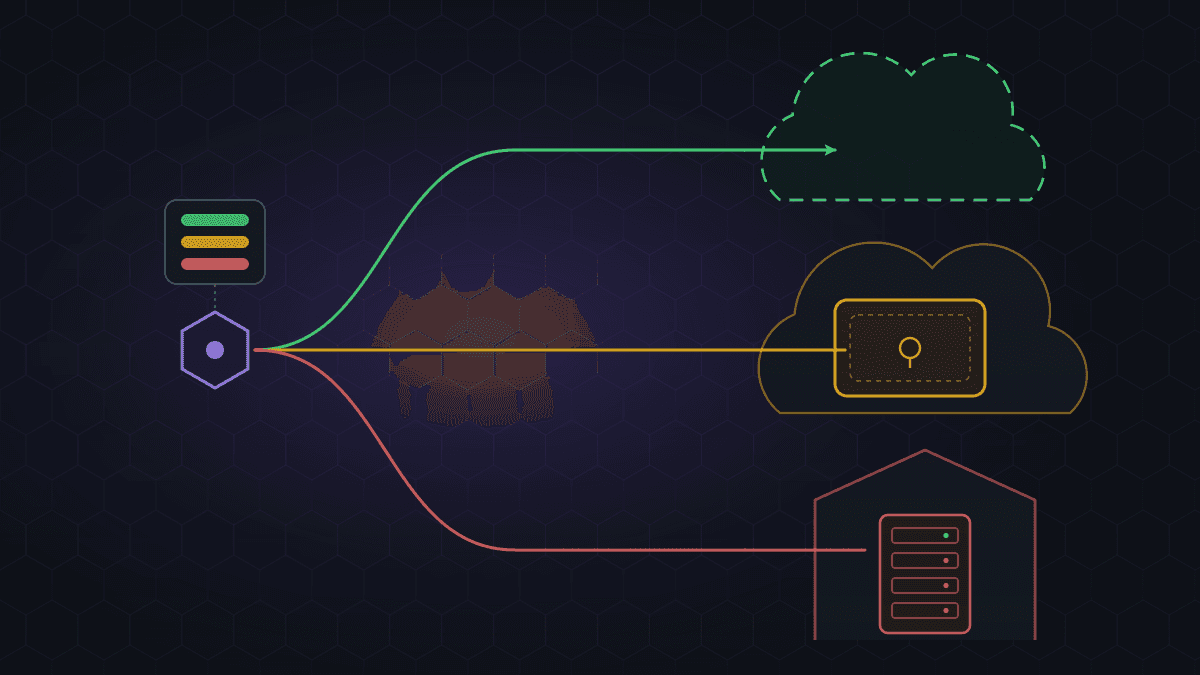
In these cases, an AI agent — a system that combines an LLM, tools, and memory — handles the interpretation, and RPA (or an API call) executes the action. We cover concrete scenarios in our guide to AI agents and B2B enterprise use cases.
The healthiest 2026 automation stack is not RPA vs. AI. It's RPA for mechanical execution, AI agents for judgment, and clear rules for which gets which task.
Next step
If you're weighing RPA, an AI agent, or a combination for a specific process, the fastest way to get clarity is a 30-minute diagnostic. Contact us and we'll map your top three candidate processes to the right automation pattern and a realistic ROI range.
Frequently asked questions
Is RPA still relevant in 2026 with generative AI everywhere?
Yes. RPA handles deterministic execution across systems without APIs, which generative AI does not do well on its own. The strongest architectures combine both: AI for interpretation, RPA or APIs for action.
What's the difference between RPA and an AI agent?
RPA follows explicit rules on a user interface. An AI agent uses a language model to reason, plan, and call tools, including RPA bots. RPA is execution; agents are judgment plus execution.
How long does a typical RPA implementation take?
A single well-scoped process usually takes 6–12 weeks from design to production. A full program with governance, CoE, and 10+ processes takes 6–12 months.
Do I need a Center of Excellence (CoE) to run RPA?
Not for the first one or two bots. Once you pass five active bots or multiple business units, a lightweight CoE becomes necessary to manage credentials, versioning, and exception handling.
Can Power Automate replace UiPath for enterprise use?
For Microsoft-centric mid-market workloads, yes. For heavy SAP, mainframe, or high-volume unattended automation at enterprise scale, UiPath and Automation Anywhere remain stronger.
What's the biggest reason RPA projects fail?
Automating a broken process instead of fixing it first, followed by underestimating maintenance. Bots break when the underlying applications change, and without ownership the backlog grows until the program stalls.